


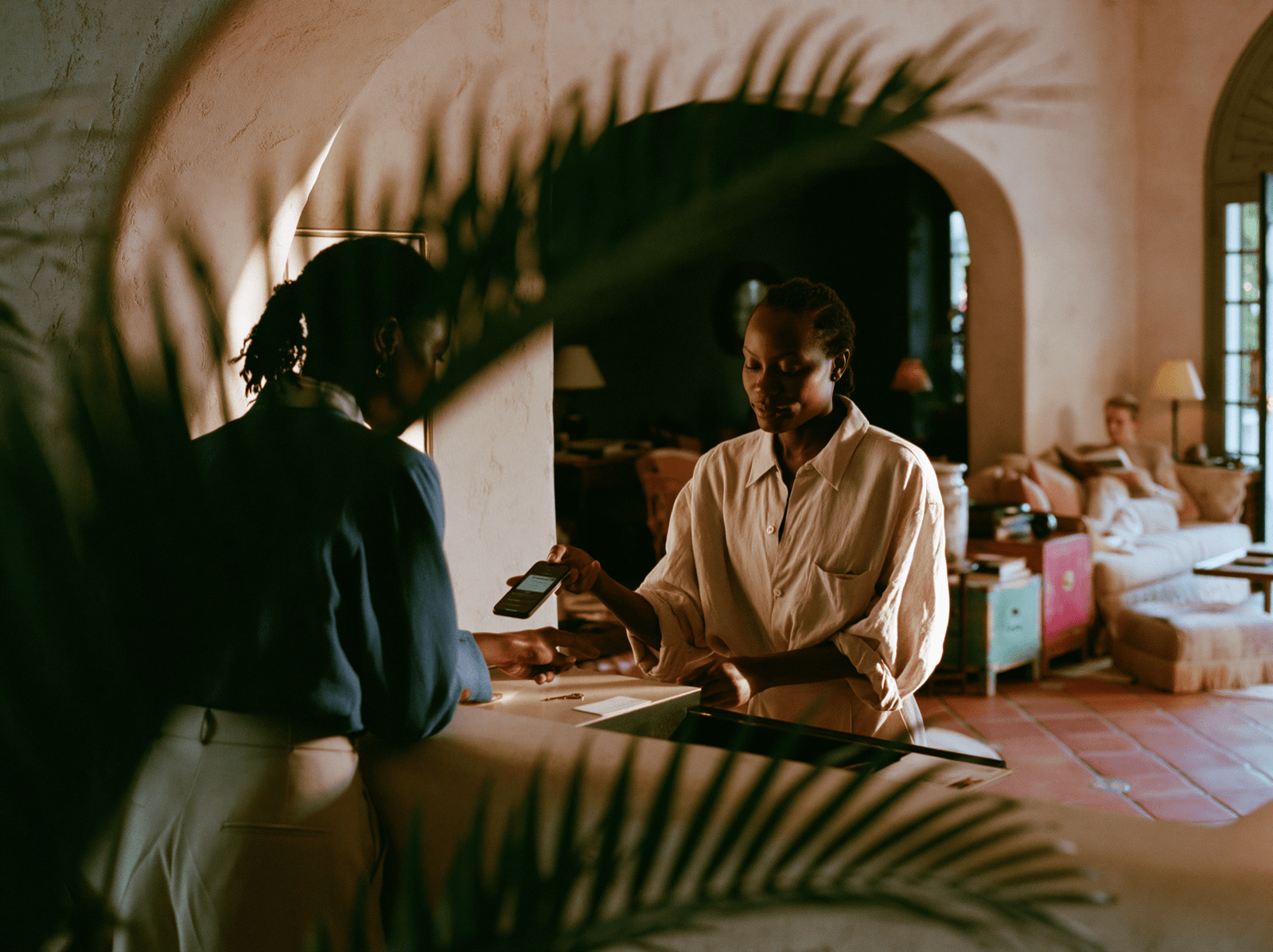





Connect reservations with your member CRM.
Reservations are more than a booking.
A reservation isn't just a booking.
It's part of the member relationship.
How the integration works
Four ways OpenTable and Peoplevine work together around one shared member record.
Benefits and capabilities
One integration, connected across the member experience — for the teams managing reservations and the members they serve.

For operators
- Reduce duplicate data entry
- Give staff more member context
- Manage reservations from one platform
- Better understand member engagement
For members
- Book, modify, and cancel from the app or portal
- View upcoming reservations in one place
- Enjoy a more personalized dining experience
- Manage reservations without leaving Peoplevine
Capabilities
- Create, modify, and cancel reservations via Peoplevine
- Sync new member records and profile updates
- Sync CRM tags, attributes, and preferences
- Show reservations in the calendar and profile
- Show reservations in the Control Panel
- Sync dining area selections

Frequently asked questions
The questions operators ask most often, answered directly. Need more depth? Our team is one conversation away.
Yes. Members can create, modify, and cancel OpenTable reservations through the Member App or Member Portal.
New member records and profile updates sync with OpenTable, along with tags, CRM attributes, and preferences.
Reservation activity syncs to Peoplevine, appearing in the member calendar, the member profile, and the Control Panel.
Connect OpenTable
with Peoplevine
Most reservation and member systems work apart. Peoplevine brings them together.
Bring reservations, member profiles, and dining preferences together through one shared member record.